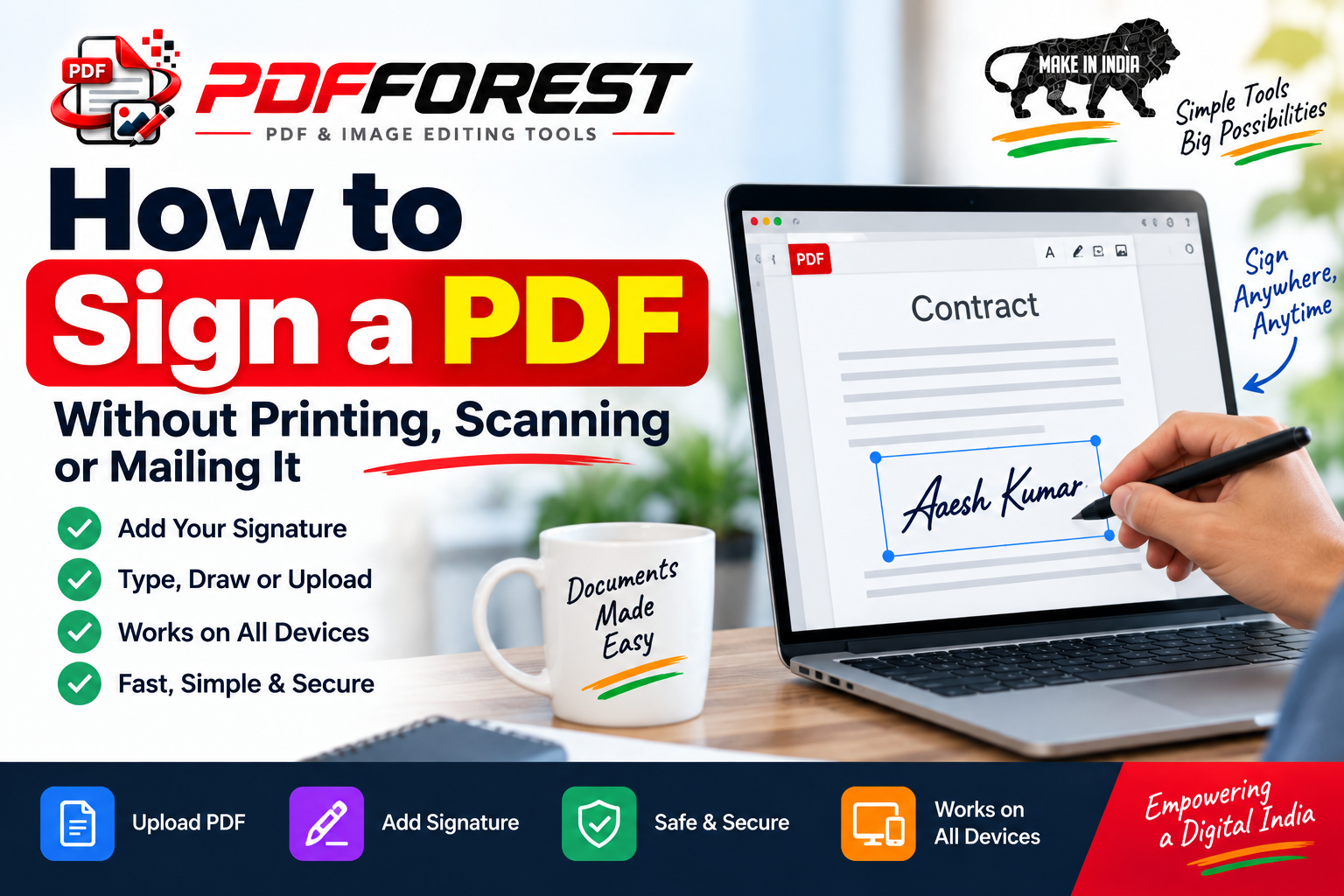
How to Sign a PDF Without Printing, Scanning, or Mailing It
You've got a lease, a contract, or a school form sitting in your inbox, and it needs your signature. The old routine — print it, sign it, scan it, email it back — eats up twenty minutes you don't have, especially if your printer is (as printers tend to be) out of ink at the worst possible moment.
The good news: you don't need any of that anymore. Whether you're at a desk or standing in a coffee shop with just your phone, you can sign a PDF online in under a minute. This guide walks through exactly how to do it, which method fits your situation, and how to tell an electronic signature from a digital signature (they're not the same thing, and it matters more than you'd think).
By the end, you'll know how to add a signature to a PDF on any device, for free or for a fee, and how to make sure that signature actually holds up when it counts.
Why Signing a PDF Online Beats the Print-and-Scan Method
Before getting into the how-to, it's worth understanding why this shift matters. Printing and scanning isn't just inconvenient — it introduces real friction into processes that should be quick.
- It wastes time. A signature that should take 30 seconds turns into a 20-minute errand involving a printer, a scanner or camera app, and a slow upload.
- It's not always possible. Not everyone has a printer at home, and mailing a signed document adds days to a deadline.
- It's less secure. A scanned signature can be copied and pasted onto other documents. A proper e-signature tool timestamps and encrypts the signing event, creating a verifiable record.
- It's harder to track. Emailing PDFs back and forth means you lose track of which version is final and who's actually signed.
Learning how to electronically sign a PDF isn't just a convenience upgrade — for freelancers, small businesses, and remote teams, it's often the difference between closing a deal today or losing momentum for a week.
How to Sign a PDF Online in 4 Simple Steps
Most online PDF signing tools follow the same basic workflow. Here's the general process:
Step 1: Upload Your PDF
Open your chosen e-signature tool and upload the document from your computer, phone gallery, or cloud storage (Google Drive, Dropbox, or email attachment all work with most tools).
Step 2: Create or Add Your Signature
You'll typically have three options:
- Type your name and choose a signature-style font
- Draw your signature using a mouse, trackpad, or your finger on a touchscreen
- Upload an image of your handwritten signature
Step 3: Place the Signature on the Document
Drag your signature box to the correct spot on the PDF — most tools also let you add the date, initials, or checkmarks for other required fields.
Step 4: Save and Send
Download the signed PDF or send it directly from the platform to the recipient. Many tools also email you a completion certificate confirming the signature was applied.
That's the entire process — no printer, no scanner, no post office.
How to Sign a PDF on Your Phone
If you're away from your laptop, signing a PDF on your phone is just as straightforward:
- Open the PDF in your email app, a file manager, or a PDF app.
- Look for a "Markup" or "Fill & Sign" option (built into iOS Files and many Android PDF viewers).
- Tap the signature icon, draw your signature with your finger, and place it on the document.
- Save the file or share it directly from the app.
If your phone doesn't have a built-in signing feature, a free mobile-friendly e-signature website works just as well — most are fully responsive and require no app download at all.
Sign PDF Online Free: What You Can Expect
Plenty of tools let you sign PDF online free of charge, and for occasional use — signing a single lease, waiver, or form — a free plan is usually more than enough. Free tiers typically include:
- Unlimited signing for documents you upload yourself
- Basic signature creation (type, draw, or upload)
- A downloadable signed copy
Paid plans generally add features like sending documents to multiple people for signature, tracking who's signed and who hasn't, audit trails, and templates for repeat use — useful if you're regularly sending contracts as a business rather than occasionally signing one as an individual.
Electronic Signature vs. Digital Signature: What's the Difference?
These terms get used interchangeably, but they're technically different — and understanding the distinction helps you choose the right tool for the job.
An electronic signature is any electronic mark showing intent to agree to a document — a typed name, a drawn signature, or even clicking "I agree." It's legally recognized in most countries for everyday agreements, from rental leases to service contracts.
A digital signature is a specific, more secure type of electronic signature. It uses encryption technology (a cryptographic key) to verify the signer's identity and detect if the document has been altered after signing. Digital signatures are often required for high-stakes documents like government filings, certain financial agreements, or contracts in regulated industries.
In short: every digital signature is an electronic signature, but not every electronic signature is a digital signature. For most everyday PDF signing — leases, invoices, permission slips, offer letters — a standard electronic signature is perfectly valid. Save digital signatures for documents where identity verification and tamper-proofing are explicitly required.
Is Signing a PDF Online Legally Binding?
Yes, in most cases. Laws like the ESIGN Act in the United States and eIDAS in the European Union give electronic signatures the same legal standing as handwritten ones for the vast majority of documents. Exceptions typically include things like wills, certain court documents, and some real estate transfers, which may still require a wet-ink signature depending on your jurisdiction. When in doubt about a specific document type, a quick check with a legal professional is worth the five minutes.
Frequently Asked Questions
Can I sign a PDF for free? Yes. Most e-signature tools offer a free tier that covers signing documents for personal use, with no cost and no printing required.
Do I need to install software to sign a PDF? No. Most modern tools work directly in your web browser or through your phone's built-in PDF viewer — no downloads needed.
Is an electronic signature the same as scanning a signed document? Not quite. A scanned signature is just an image, while an electronic signature created through a proper tool includes a timestamp and audit trail that helps verify authenticity.
Can I sign a PDF on an iPhone or Android without an app? Yes. iPhones have Markup built into the Files and Mail apps, and many Android file managers include a similar Fill & Sign feature.
What happens if I need multiple people to sign the same PDF? Most e-signature platforms let you add several signers, and each person receives their own link to sign in sequence or all at once, with the final signed copy sent to everyone automatically.
Ready to Sign Your PDF?
Printing, signing, scanning, and mailing a document is a habit worth breaking. Whether you're closing a business deal or just returning a signed form to your landlord, you can now sign a PDF online in the time it takes to make coffee — on your laptop, tablet, or phone, and often for free.
Next time a document lands in your inbox asking for your signature, skip the printer entirely. Sign it digitally and send it back — done in under a minute.