How to Rotate PDF Pages Online Free (Fast & Easy Guide)
How to Rotate PDF Pages Online: The Ultimate Free & Secure Guide
We’ve all opened a freshly scanned contract or invoice only to find ourselves tilting our heads sideways like a confused dog. You try to read a table, but it’s stuck in landscape. You move to the next page, and it’s completely upside down.
Reading sideways documents isn't just annoying—it looks sloppy when you share it. Cranking your neck to read a budget report or forcing a client to manual-rotate every second page in their viewer breaks their focus and makes your work feel rushed.
Instead of fighting awkward page orientations or re-scanning the whole stack from scratch, you can fix the layout permanently in a few clicks. Learning how to use a
Why You Should Use a Tool to Rotate PDF Files Online
Setting your page orientation once at the file level means it stays right-side-up on every phone, tablet, or monitor it gets opened on later.
When you use a simple web platform to
Instant Readability: Align wide tables, receipts, or architectural drawings so readers don't have to adjust their viewing settings manually.
Polished Handoffs: Ensure every single page in a multi-page document faces the same direction before sending it to clients or managers.
Fix Bad Scans: Correct pages that fed into the office scanner sideways or upside down without needing to physically rescan them.
Zero Software Needed: Tweak page directions right inside your web browser on any device without installing heavy desktop utilities.
Think of an online rotation tool like leveling a crooked picture frame on a wall. You straighten it out once, and it stays looking clean for anyone who walks into the room.
Step-by-Step: How to Rotate PDF Online Free
Correcting a crooked file only takes a few seconds. Here is the step-by-step workflow to
Step 1: Upload Your File
Gather the document that needs fixing. Open your web browser, navigate to the
Step 2: Orient Your Pages
When your file finishes loading, you will see visual thumbnail previews of every page in your document.
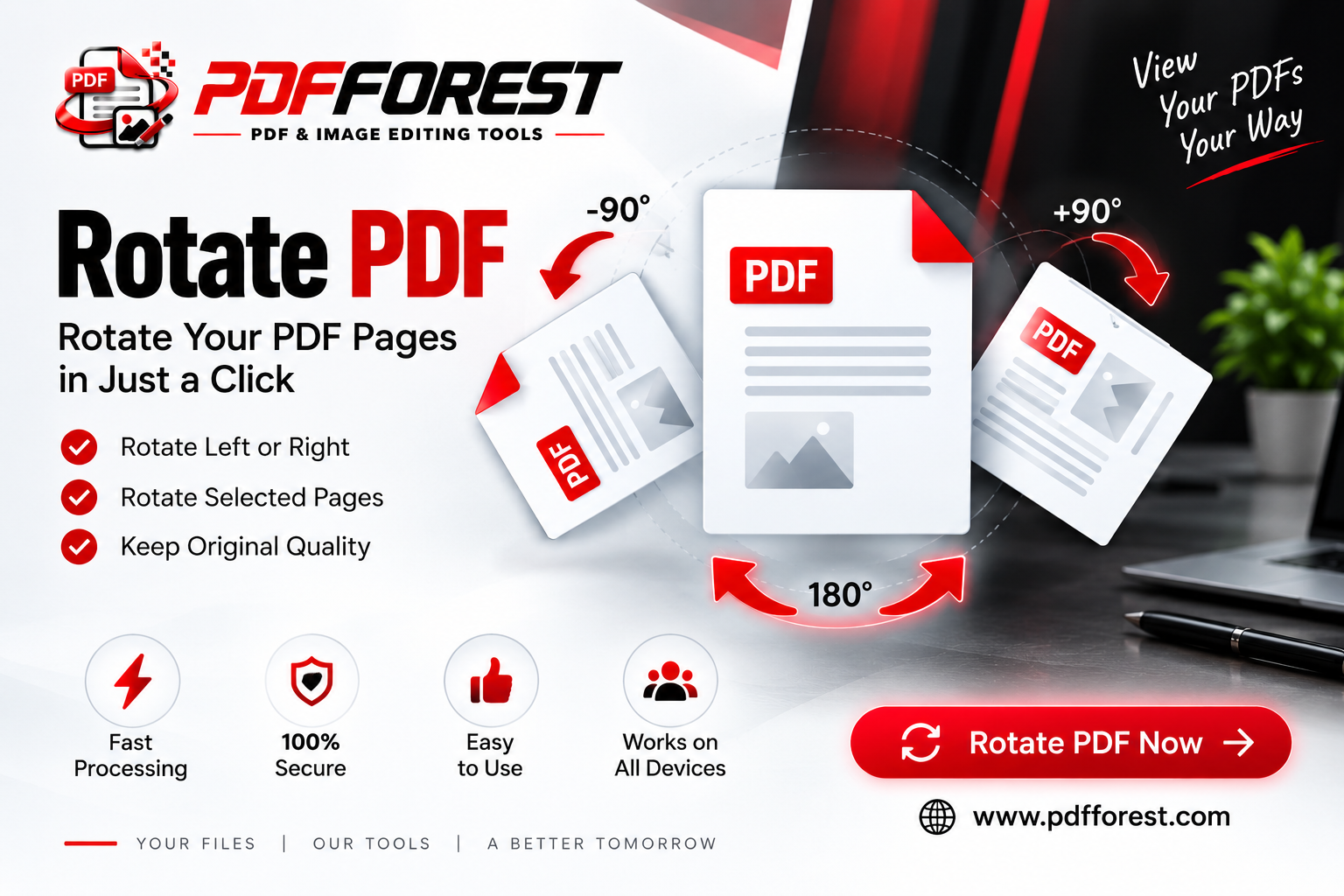
Rotate Individual Pages: Hover over any sideways or upside-down thumbnail and click the rotation arrows to turn that specific page 90 degrees left, right, or a full 180 degrees.
Rotate All Pages: If the whole document was scanned sideways, click the global rotation buttons to spin every page in the file at the exact same time.
Review the Flow: Scroll through to confirm every page is facing right-side up before finalizing.
Step 3: Apply and Download
Once every page looks correctly oriented, click the main action button labeled
Is It Safe to Rotate PDF Files Online? (Security & Privacy)
It’s completely reasonable to double-check security before uploading bank statements, legal agreements, or medical records to a web tool. What happens to your files behind the scenes?
When you use an online platform to
Security Checklist
Make sure your chosen web platform respects these privacy standards before uploading private documents:
SSL/TLS Encryption: Look for the small padlock icon next to
https://in your browser's address bar. Encryption ensures your connection is private while transferring data.Automated Server Wipes: Established tools don't hold onto your documents. They run automated server scripts that wipe your original and edited files within 30 to 60 minutes after processing.
Strict Data Privacy: Check the site's terms to confirm that human staff never access, view, or share your document contents.
Pro Tip: If you are fixing sensitive legal or corporate paperwork, check the site's privacy page first to confirm their automatic server deletion timeline.
How to Rotate PDFs on Mobile Devices (iOS & Android)
Document orientation issues often pop up when you are away from your computer. You might open a scanned receipt on your smartphone only to realize it was saved upside down.
You can run a quick
On iPhone (Safari)
Open Safari and go to the
rotate pdf online Tap upload and choose your file from the iOS Files app.
Tap the rotation arrows on the sideways thumbnails to turn them right-side up.
Tap process, download your fixed PDF, and save it right back into your Files app.
On Android (Chrome)
Open Chrome and head over to the
rotate pdf online Tap upload and select your document from Google Drive or local storage.
Use the touch controls on screen to rotate individual or all pages into position.
Process the file and save the corrected PDF directly to your device's Downloads folder.
Best Practices for Perfect Page Alignment
To keep your document layout clean every time you need to
Spot-Check Landscape Sheets: If your document includes wide charts or financial tables, intentionally turning them to landscape orientation makes them much easier to read on digital screens.
Overwrites vs. Copies: Rename your newly rotated file (e.g.,
Contract_Final_Fixed.pdf) so you don't confuse it with the old sideways version on your drive.Combine Edits: If you have a file that is both sideways and full of unwanted filler pages, rotate your pages first, then pass it through a page removal tool to complete your cleanup.
Frequently Asked Questions
Does rotating a PDF permanently change the file orientation?
Yes. Unlike changing the view settings inside a standard reader, using an online rotator rewrites the file's metadata so it opens right-side up on every device permanently.
Will rotating my PDF reduce text or image quality?
Not at all. Rotating simply changes the orientation flag of the pages. The original text vectors, fonts, and image resolutions remain completely unchanged.
Can I rotate pages in a password-protected PDF?
Yes, provided you enter the correct password when prompted to unlock the file so the platform can access and adjust the page layout.
Why spend another minute tilting your computer monitor or squinting at sideways pages? The next time a poorly scanned file lands in your inbox, flip it right-side up in seconds. Jump over to the